> ## Documentation Index
> Fetch the complete documentation index at: https://docs-staging-chore-teams-api-autoupdate.mintlify.site/llms.txt
> Use this file to discover all available pages before exploring further.

> Learn how to configure your JWT Connection to sign, verify or decode JSON Web Tokens.

# JWT Vault Connection

## Configure your JWT Vault connection

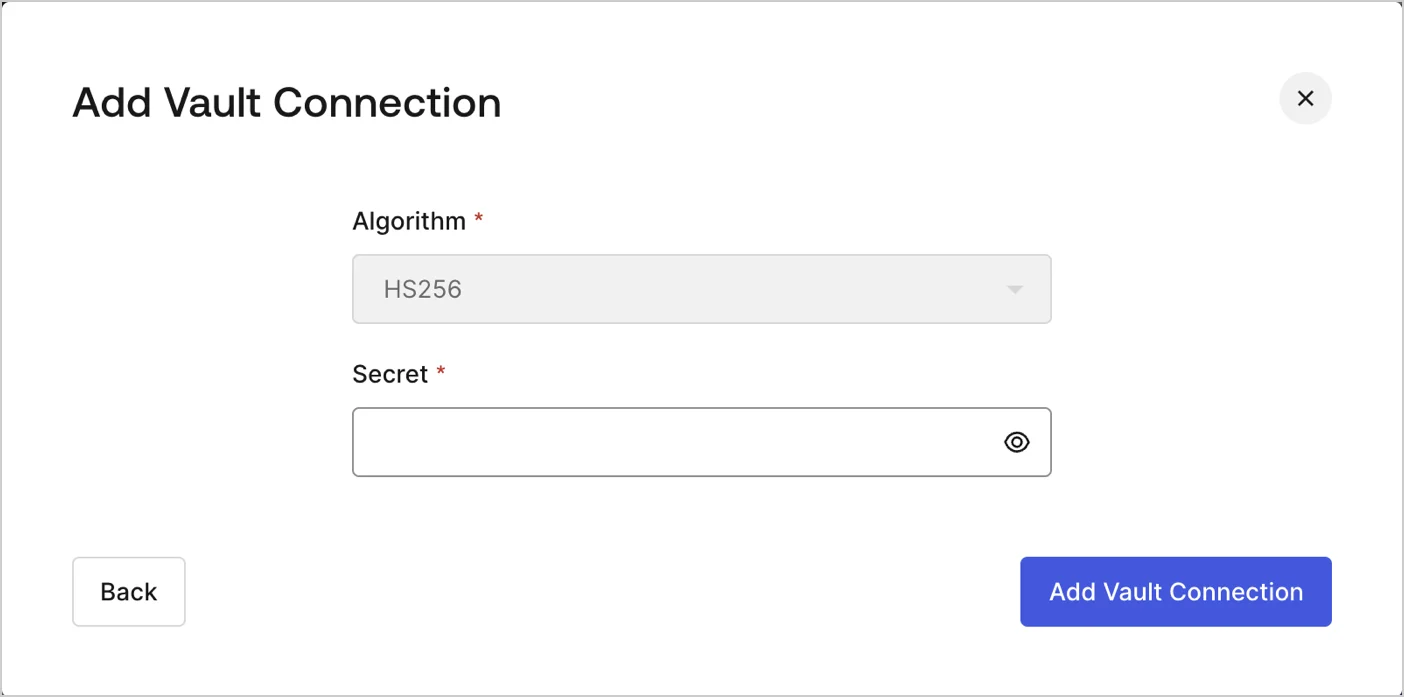
To configure an JWT Vault Connection for your Flows JWT Actions to sign, decode, and verify JSON Web Tokens, you need to set the required parameters.
<Frame>
  <img src="https://mintcdn.com/docs-staging-chore-teams-api-autoupdate/i696DYXMciBOsJ2e/docs/images/customize/forms/vaults/jwt-vault-connection.png?fit=max&auto=format&n=i696DYXMciBOsJ2e&q=85&s=db57f4d8ef77f63781bb1b469871577a" alt="Dashboard > Actions > Forms > Vault > JWT" data-og-width="1404" width="1404" data-og-height="697" height="697" data-path="docs/images/customize/forms/vaults/jwt-vault-connection.png" data-optimize="true" data-opv="3" srcset="https://mintcdn.com/docs-staging-chore-teams-api-autoupdate/i696DYXMciBOsJ2e/docs/images/customize/forms/vaults/jwt-vault-connection.png?w=280&fit=max&auto=format&n=i696DYXMciBOsJ2e&q=85&s=4c3cf97704660aaf2e98f06bc4ac4319 280w, https://mintcdn.com/docs-staging-chore-teams-api-autoupdate/i696DYXMciBOsJ2e/docs/images/customize/forms/vaults/jwt-vault-connection.png?w=560&fit=max&auto=format&n=i696DYXMciBOsJ2e&q=85&s=fea19255f4a11a80ecc4bb523cb587c8 560w, https://mintcdn.com/docs-staging-chore-teams-api-autoupdate/i696DYXMciBOsJ2e/docs/images/customize/forms/vaults/jwt-vault-connection.png?w=840&fit=max&auto=format&n=i696DYXMciBOsJ2e&q=85&s=f4d60f61db534e29ba4e3cc6cd2e4699 840w, https://mintcdn.com/docs-staging-chore-teams-api-autoupdate/i696DYXMciBOsJ2e/docs/images/customize/forms/vaults/jwt-vault-connection.png?w=1100&fit=max&auto=format&n=i696DYXMciBOsJ2e&q=85&s=767f2439b4685d03b469760d788ad0c0 1100w, https://mintcdn.com/docs-staging-chore-teams-api-autoupdate/i696DYXMciBOsJ2e/docs/images/customize/forms/vaults/jwt-vault-connection.png?w=1650&fit=max&auto=format&n=i696DYXMciBOsJ2e&q=85&s=0c4b7d7e3659b6a43f9028d3d67adb56 1650w, https://mintcdn.com/docs-staging-chore-teams-api-autoupdate/i696DYXMciBOsJ2e/docs/images/customize/forms/vaults/jwt-vault-connection.png?w=2500&fit=max&auto=format&n=i696DYXMciBOsJ2e&q=85&s=98048483bbd9ab266cdb298aa04b8fc9 2500w" />
</Frame>

## Input settings

| Parameter | Description                                                 |
| --------- | ----------------------------------------------------------- |
| Secret    | Secret to be used in the HS256 algorithm to encode the JWT. |
